
When one kid plays soccer and another does gymnastics, swim, and travel baseball, your family calendar stops being a calendar and starts being a logistics operation. Practices overlap, games get rescheduled, and someone always needs a ride at the exact moment you’re dropping off a different kid across town.
You can’t add more hours to the day, but you can cut the chaos down to a manageable system. Here’s a practical approach to centralizing schedules, splitting coverage, and protecting your sanity (and your kids’ downtime) when they’re each pulling you in a different direction.
Quick Answer
Put every kid’s practices, games, and team events into one shared family calendar instead of juggling separate team apps, color-code by child, and build a standing carpool and coverage plan with other parents before the season starts, not after the first scheduling conflict.
Build One Command Center for All Your Kids’ Schedules
Most youth teams now run on their own app — one coach uses TeamSnap, another uses Spond, a school team posts to a website, and a club sends emails. If you try to track each one separately, something will fall through the cracks. The fix is to pick one shared family calendar (a regular phone calendar app works fine) and get everything into it, even if that means manually entering events from team apps that don’t sync automatically.
Color-code each kid so you can scan the week at a glance and instantly see whose practice is whose. Add travel time as its own block, not just the event time — a game that starts at 5:00 across town might mean you need to leave by 4:15, and that’s the number that actually matters for planning your day.
Do a weekly 10-minute scheduling huddle with your co-parent or support system every Sunday. Look at the week ahead, flag the days with back-to-back or overlapping commitments, and assign who’s covering what before Monday morning rather than figuring it out in a parking lot.
Split Coverage and Build a Carpool Network Early
The moment two kids have games at the same time in different places, you need a second driver. Don’t wait for that moment to arrive — set up carpool coverage in the first week or two of each season, while other parents are still figuring out their own logistics and are motivated to coordinate.
A simple shared sign-up sheet works better than a group text for this. List out away games and practices that need rides, and let parents claim driving slots or riders claim open seats. This also spreads out the burden so the same two or three families aren’t always the ones driving.
When schedules truly can’t be covered by you or a carpool, it’s fine to miss some practices or have grandparents, older siblings, or trusted neighbors fill in. Most coaches would rather see a kid show up late with a parent than not show up at all — a quick heads-up text usually smooths this over.
If your kids are in sports with heavy travel (club volleyball, travel baseball, competitive swim), try to stagger sign-ups across seasons where you have a choice. If one kid’s sport has a lighter spring season, it’s easier to go heavier on another kid’s more demanding fall or summer commitment.

Tips / Common Mistakes
Don’t rely on memory or a mental list — write every single commitment down the day you learn about it, even tentative ones, and update as schedules change. The biggest scheduling failures happen when a parent assumes they’ll remember a rescheduled game.
Avoid signing every kid up for every possible extra (tournaments, skills clinics, optional practices) just because it’s offered. More commitments isn’t automatically better development — a packed, stressful schedule often costs kids more in burnout than it gains them in skill.
Protect one buffer day a week with no sports commitments if you can swing it. Families that run every single day with no slack have no room to absorb a rescheduled game or a sick kid without the whole week falling apart.
Make sure each kid still gets some one-on-one time with you that isn’t just a car ride to their sibling’s game. Sitting through a sibling’s practice isn’t the same as a parent’s full attention, and kids notice the difference over a long season.
Talk to your kids’ coaches early about your family’s other commitments. Most coaches are more flexible about late arrivals or early pickups than parents assume, especially if they know about it in advance instead of finding out at the last minute.
Explore more: more youth sports parenting guides.
Managing multiple kids in different sports FAQs
What’s the best way to track schedules for kids in different sports?
Use one shared family calendar instead of separate team apps, manually entering events if they don’t sync automatically, and color-code by child so you can scan commitments at a glance.
How do I handle two kids with games at the same time in different places?
Set up a carpool or coverage network with other parents early in the season, before conflicts actually happen, and don’t be afraid to split up — one parent per kid — when both games matter.
Should I let my kids play multiple sports at once?
It’s workable for many families, but watch for signs of burnout or exhaustion. Building in at least one no-sports day a week helps keep multi-sport schedules sustainable for both kids and parents.
How far in advance should I plan around team schedule conflicts?
As soon as a season’s schedule is published. Flagging likely conflicts to coaches weeks ahead gives everyone more flexibility than raising it the week of the game.
Level Up With SportsSteps
Track your athlete’s progress, connect with coaches and your team, and grow — get the SportsSteps app. Get the SportsSteps App.
Want training tips and sports news in your inbox? Subscribe to the free newsletter.
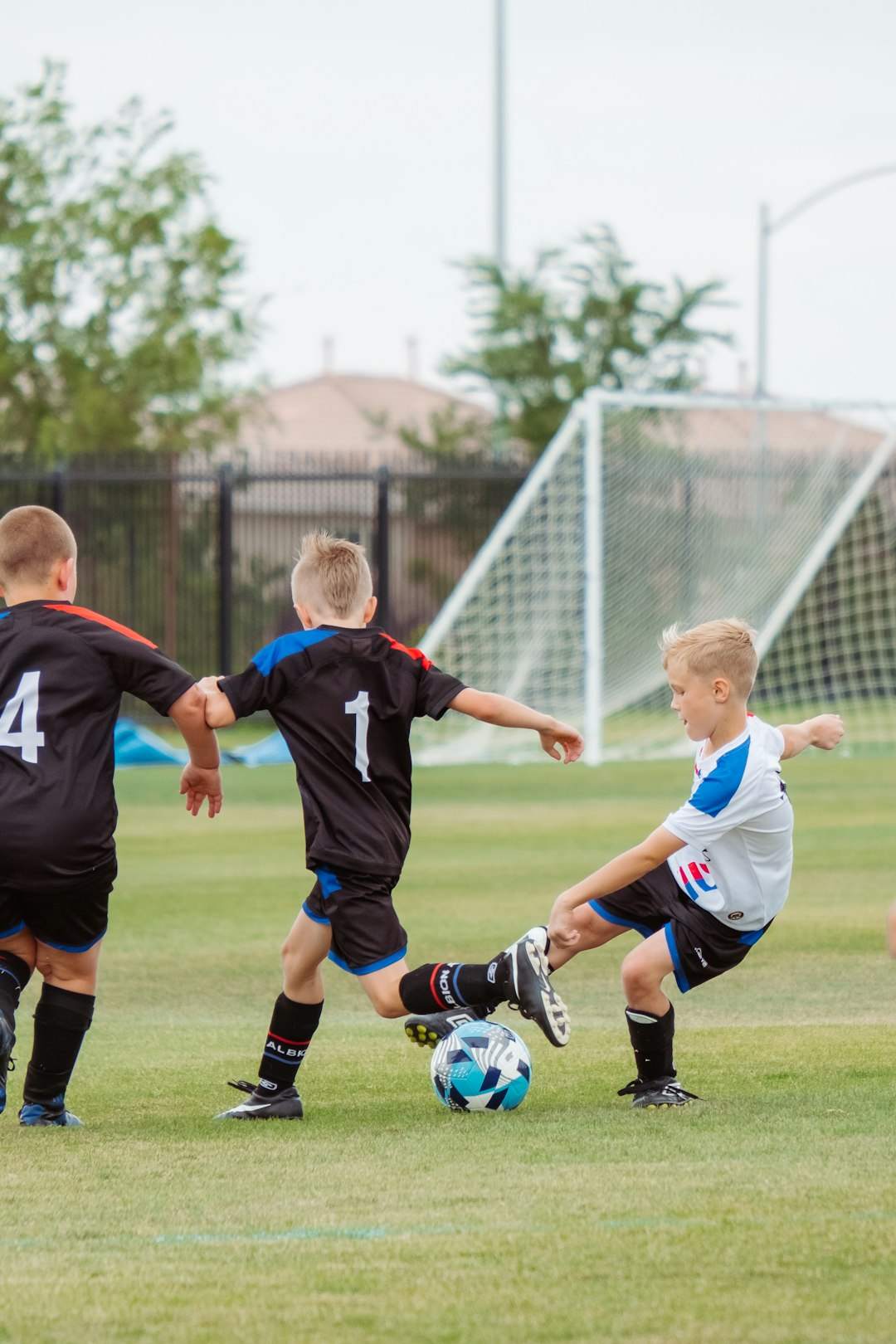
Photo by Quilia on Unsplash.