
You don’t need a video analyst, a big software subscription, or a full coaching staff to walk into a game knowing what the other team likes to do. Most useful scouting comes down to a few repeatable habits: gather what’s already public, watch a small sample of film, and boil it down to a few things your players can act on.
This guide lays out a simple system you can run in an hour or two per opponent. You’ll learn what to collect, where to find it for free or cheap, how to watch film efficiently, and how to turn it into a one-page plan without burying your team in information.

Quick Answer
To scout opponents on a budget, collect public schedules, scores, and stats, watch one to three games of film from a phone or free stream, and track a handful of tendencies in a shared spreadsheet or notebook. Then distill it into a one-page report with three things to stop, three things to exploit, and a few key players to know.
Step 1: Decide What You’re Actually Looking For
Before you watch anything, write down the questions you want answered. Good scouting is question-driven, not a general “watch and see.” Start with the basics: What does this team do best? Who are their top players and where does their offense run through? How do they attack, and how do they defend? Where are they weak or uncomfortable?
Keep the list short and sport-specific. A basketball coach might track primary ball handlers, favorite sets, and how the team defends ball screens. A football coach might track formations, run/pass tendencies by down and distance, and blitz habits. A soccer or baseball coach will have their own list. The point is that every minute of film should answer a question you wrote down ahead of time.
Step 2: Gather the Free Information First
Start with public sources before you spend any time on film. Many high school programs have public schedules, rosters, scores, and often player stats on MaxPreps, which is free for fans. Many youth and club teams use GameChanger, where live scores are free with an account; keep in mind that box scores, season stats, and the play-by-play GameStream are generally part of a paid fan subscription, so don’t count on them for free. Check the opponent’s team website or social media too; posted highlights, lineups, and recaps often reveal a lot.
Look at results in context. Who have they beaten, who have they lost to, and by how much? Did their style change late in the season? Did a key player return from injury or go missing? Also ask around: coaches from common opponents are often willing to share what worked, especially in leagues where everyone plays each other. A friendly text is free and often the best intel you’ll get.
Step 3: Get Film Without Spending Much
Film is the biggest cost for most programs, but you have options. Many leagues and schools use a video platform such as Hudl, where teams can exchange game film, so check whether your league already has an exchange arrangement before paying for anything extra. Some schools also stream games, and parents or community members often post full games publicly. Ask the opponent’s coach directly; many will share.
If none of that is available, scout in person. A parent, assistant, or trusted player’s family member can film from the stands on a phone with a basic tripod or clamp. Get a wide angle, capture the whole game, and note the score and time as they go. One to three games is usually enough to see the patterns; more than that rarely adds much. Prioritize the most recent games and the ones against opponents similar to you.
Step 4: Track Tendencies in a Simple Sheet
Use a free spreadsheet or a paper template with the same columns every time. Log the situation (score, down and distance, time, or possession), what they ran, and what happened. Add a column for timestamps so you can jump back to the clip when you want to show players.
Watch each game once for the big picture, then again for specific questions. On the second pass, pause and tally. Patterns show up quickly: the same set after timeouts, the same player always taking the last shot, the same defensive coverage when they’re behind. Mark anything that repeats three or more times as a tendency, and treat one-offs as noise.
Step 5: Build a One-Page Report and Share Clips
Turn everything into a single page. Include: the opponent’s top three players and what each does, their two or three most common actions on offense, how they defend, and one or two weaknesses you can target. Add a short “Keys to the Game” list with no more than three items. If you can’t fit it on a page, you’re giving players too much.
Pair the page with a handful of short clips, ideally under ten minutes total. Show what you want your team to see rather than a full game. Review it in a short team meeting or a group chat, then reinforce it in practice with a scout team running the opponent’s top plays. A player who has seen a look in practice reacts faster than one who only read about it.
Tips / Common Mistakes
Don’t over-scout. Too much information slows players down, especially younger ones. Focus on your own team’s strengths first and use scouting to adjust, not to replace your identity.
Don’t rely on one game. A single game can be an outlier because of injuries, weather, or an unusual matchup. Don’t scout stats alone either; box scores don’t show how a team gets its results.
Build a routine. Use the same template, same timeline, and same meeting format each week so it takes less time as the season goes on. Save each report so you can reuse it next season, and note what worked. Consider self-scouting too: reviewing your own film shows you what opponents will see when they prepare for you.
Explore more: More coaching guides and strategies.
Opponent scouting FAQs
How many games should I watch to scout an opponent?
One to three recent games is usually enough to identify their main tendencies. Prioritize the most recent games and those against opponents similar to your team, and treat anything that happens only once as a possible outlier.
What free tools can I use to scout opponents?
Start with public schedule, score, and roster information on MaxPreps, which is free for fans, and live scores on GameChanger (its box scores and season stats generally require a paid fan subscription). Add opponent social media, phone video from the stands, and a free spreadsheet or paper template for tracking tendencies. Some leagues also use Hudl film exchange, so check whether yours does.
How long should a scouting report be?
Aim for one page. Include key players, common offensive actions, how they defend, one or two weaknesses, and no more than three keys to the game. Players remember a short plan far better than a long packet.
Is it okay to ask the other coach for film?
Yes. Film exchange is common in many leagues, and many coaches will share game film or scouting notes, particularly when they’ll get the same in return. Just be respectful of your league’s and school’s rules.
Level Up With SportsSteps
Track your athlete’s progress, connect with coaches and your team, and grow — get the SportsSteps app. Get the SportsSteps App.
Want training tips and sports news in your inbox? Subscribe to the free newsletter.
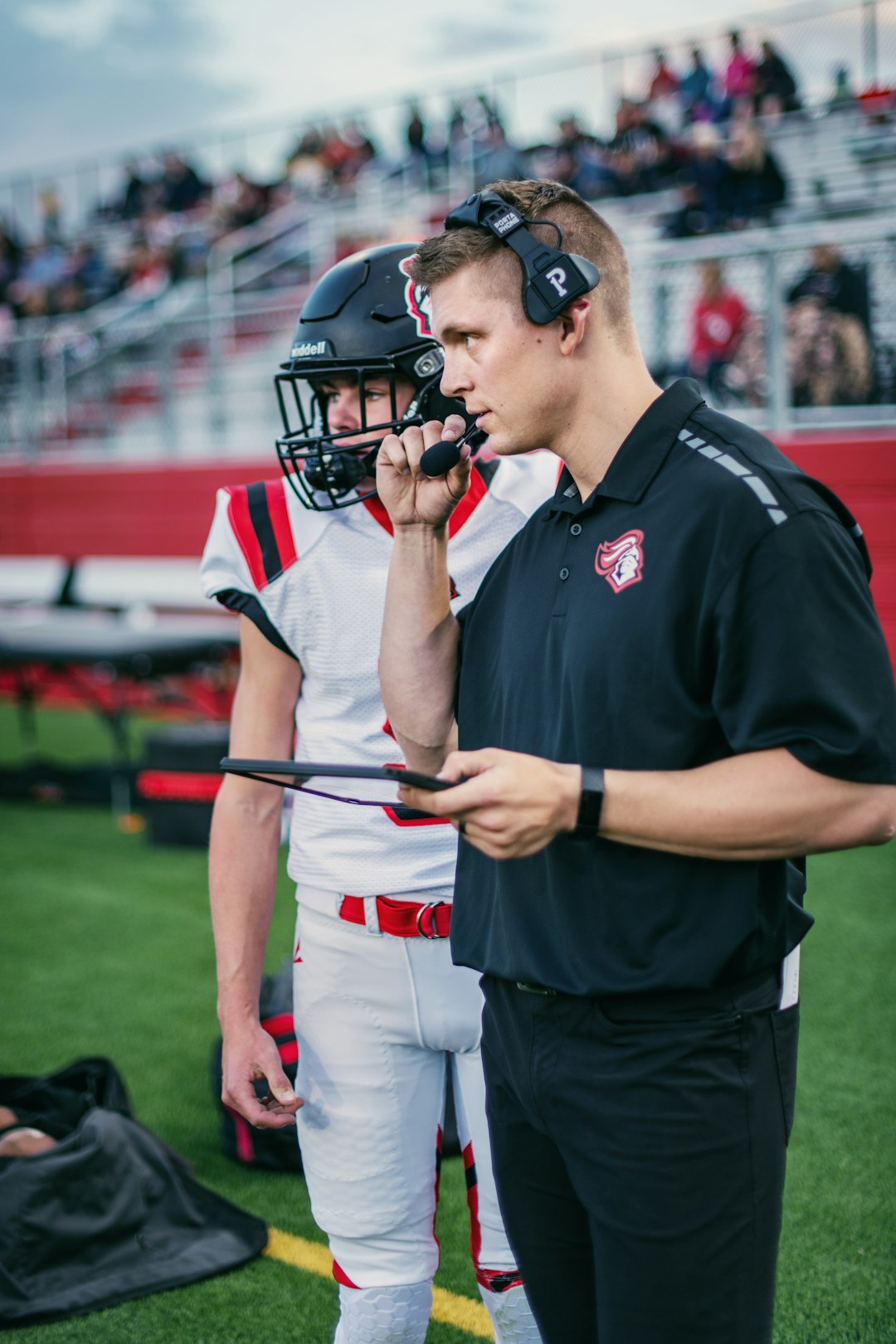
Photo: Petersonrich962 / CC0, via Wikimedia Commons.